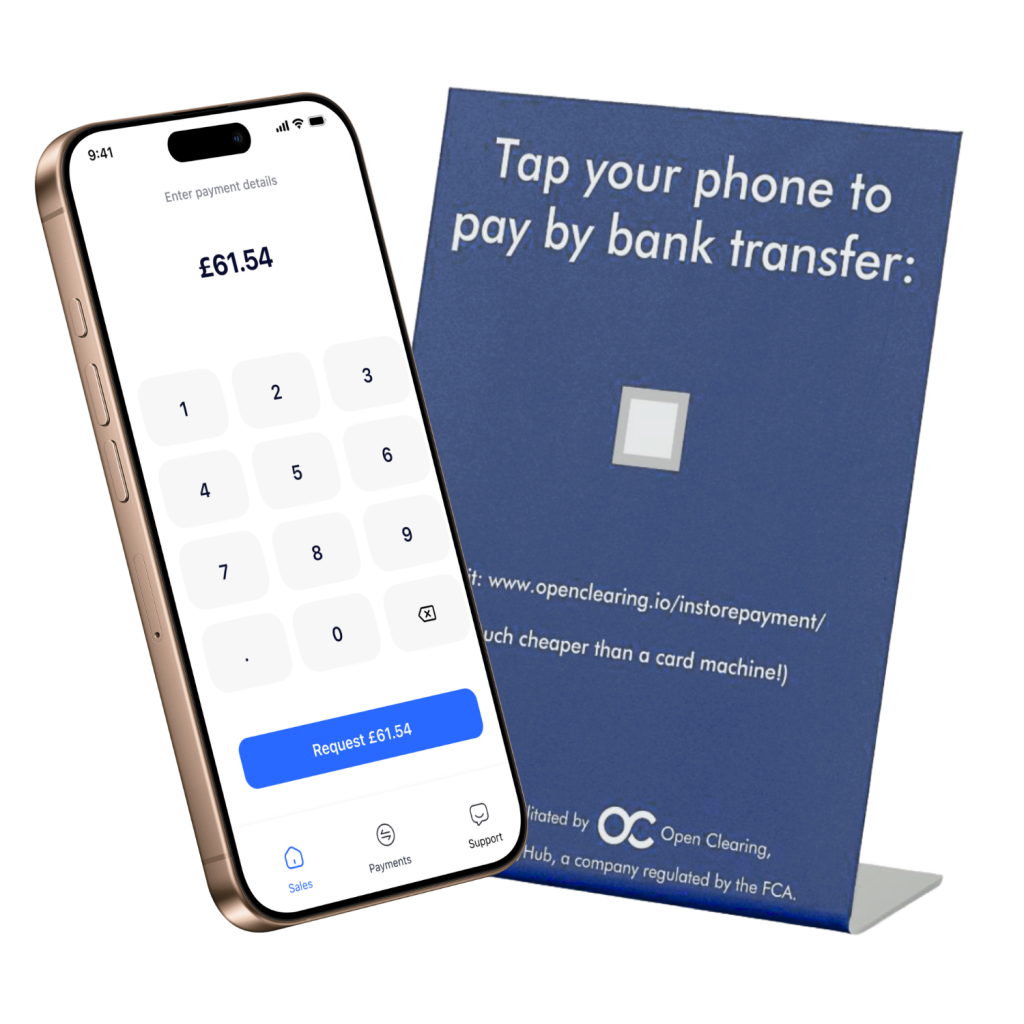
No card machine required – just download the app and take payments through your phone. Secure, bank-authorised, and ready the moment you are.
Open Banking (PSD2)
Same-day settlement
No card network fees
ClearPoS Mobile App
Up and running in under ten minutes
Download ClearPOS, complete a short sign-up, and once you’re approved you can start accepting payments straight away.
Accept Pay-by-Bank payments on your mobile
ClearPOS replaces the card terminal entirely – take payments at the counter, on the shop floor, or on the move, with funds settling straight to your own bank account.
No extra hardware – use the phone your team already has
Simple to use, with no staff training required
Works on modern iOS and Android devices
Familiar, secure and fully visible
A checkout flow your team already understands – amount, confirm, approved. Behind the scenes, payments are bank-authorised and protected with Strong Customer Authentication.
Real-time visibility: see every transaction the moment it lands
Trends at a glance: daily, weekly, and monthly insights to track performance
Tap to Pay or quick and easy Bank Transfer
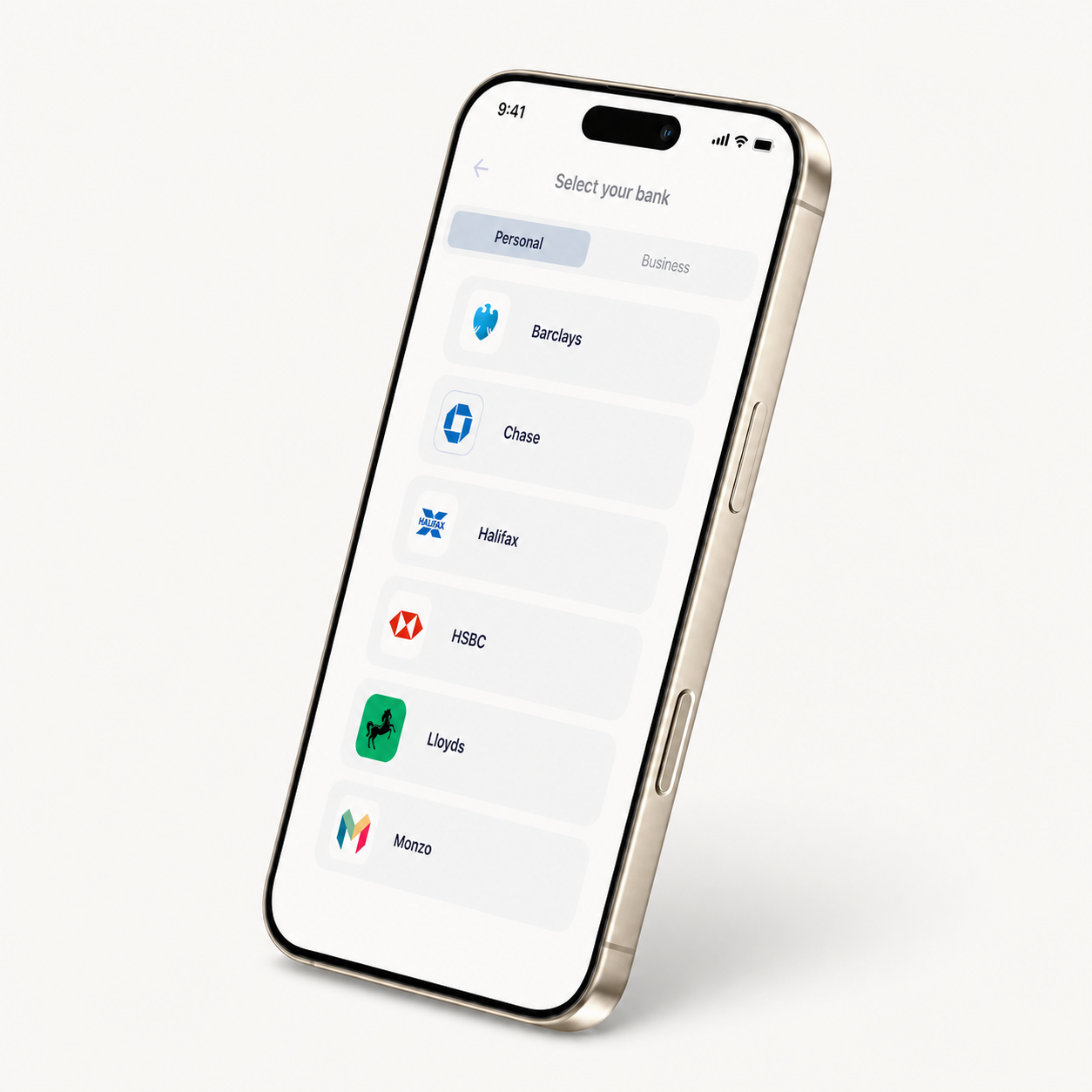
Customers pay with the banking app they already use – no downloads, no sign-ups.
How it works
Tap: Customer taps their phone on your device (or scans a QR if preferred).
Approve: Their banking app opens—Face ID or PIN to confirm.
That’s it: typically no more than two taps to pay, and funds are confirmed immediately. Anyone with mobile banking can pay this way.
Tips to get up & running
Everything you need to know to start taking payments with ClearPOS.
Getting Started
Which devices are supported? Modern iOS and Android phones are supported. We recommend the latest OS versions.
Do I need any extra hardware? No – your phone is the terminal. Optional: QR stand or receipt printer.
How long does setup take? Download the app, sign up, complete KYB – you can typically go live the same day.
Can staff have their own logins? Yes. Create roles/permissions per store/user in the dashboard.
Taking Payments
How does Pay by Tap work? Enter amount → customer taps phone → banking app opens → approve with Face ID/PIN. The process can be completed by no more than two taps.
Do customers need to download an app? No. Anyone with mobile banking can pay – no new app required.
What if tap isn’t possible? Show a QR. Customers scan and approve in their banking app.
Can I add tips or references? Yes – enable tips and custom references in app settings.
Speed, Settlement & Refunds
When do I get my money? Same-day settlement via Faster Payments – often by end of the day.
Do I see instant confirmation? Yes – real-time status is available on both the app and central dashboard.
How do refunds work? Issue full/partial refunds from the app or API. Funds are returned to the customer’s bank account.
Reliability & Connectivity
Does it work offline? No – bank authorisation needs internet. Use Wi-Fi or mobile data; fall back to QR if needed.
What if a payment fails mid-flow? You’ll see a clear success/fail state. Check the dashboard before retrying.
Any transaction limits? Yes – profile-based limits and, in some cases, bank limits. We’ll confirm these during onboarding.
Security & Compliance
Is it secure? Yes – bank-authorised with Strong Customer Authentication (Face ID/PIN) and encrypted end-to-end.
What about chargebacks? There are no card-scheme chargebacks with Pay by Bank. Disputes follow your returns/refund policy.
Do you store customer data? We minimise data and comply with GDPR. You can access transaction records in the dashboard.
ONE PLATFORM. EVERY PAYMENT.
Download the app and start taking payments in 10 minutes
Sign up in minutes, pass a quick AML check, and take your first payment today — in store, online, or through AI agents.